







How to start mining with Kryptex?
Watch this short video to get the basics
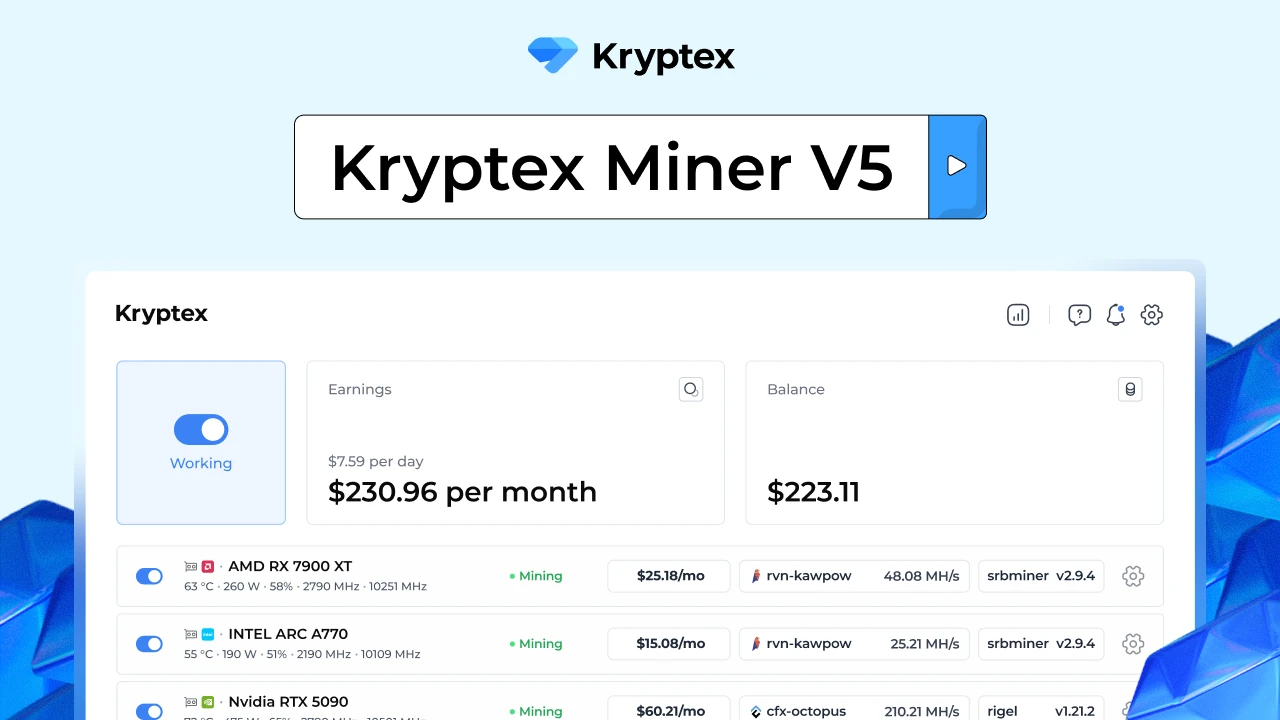
In a nutshell
- Sign up 👉🏻 here! Just an email required;
- Download Kryptex 👉🏻 here;
- Install the app and complete the benchmark;
- Let Kryptex do its job.
Done! While your PC is on, Kryptex will be earning you money. Mine 0,00001 BTC and you will be able to withdraw immediately!
What's required to launch? 🚀
Kryptex runs on any PC operating 64-bit Windows 10 or 11.
After the first launch Kryptex will benchmark your hardware to determine whether it is suitable for mining, or not.
I am facing some errors during the installation!
1. Make sure you have 64-bit OS
- Right-click the "Start" menu at bottom left and click "System";
- The "System Type" should say "64-bit OS".
2. Pause your antivirus
Miners are often blocked by the antivirus software.
There are plenty of viruses that are mining cryptocurrencies without user's consent. They really are a threat for you, and that is what makes some antiviruses trigger on anything even remotely related to mining.
Kryptex runs only when you allow it. Add Kryptex to the exception list, or pause your antivirus or "Windows Defender" for the duration of the install. Here is a how-to for a Windows 10.
Issues after the successful installation 🤔
Kryptex is developed to configure your PC ready for mining automatically. Despite that, some settings are only possible to set-up manually. Try following our troubleshooting guide to address those issues in a handy manner.
Need Help?
Have any questions, something is unclear, or you can't connect?
Contact support — we're happy to assist!
- Support Ticket.
- Telegram Support.
- Discord Support.
- Email support at support@kryptex.com.
